
 Deutsch
 Español
 Français
 lingua italiana
 ไทย
 Tiếng Việt
 العربية
 한국어
 Pусский


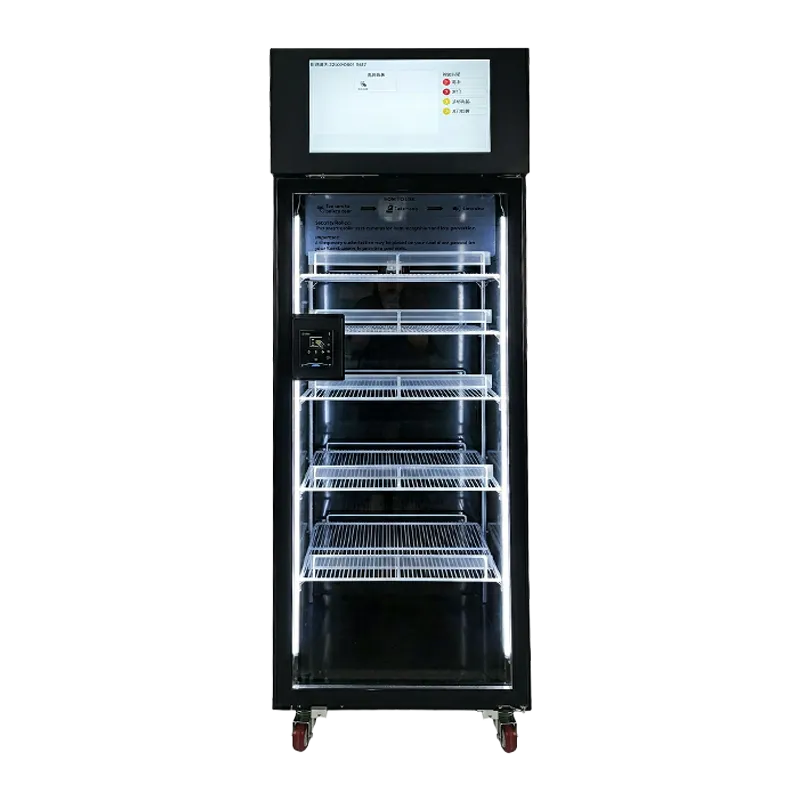
Quick answer: When a smart fridge customer reports a wrong charge, match the shopping session, itemized basket and payment record before deciding what correction is needed. A pending authorization, an incorrect product assignment and a duplicate captured payment are different problems. Keep one incident reference, record the evidence available to the authorized operator and track any approved correction to its final status.
A useful investigation answers three questions: what did the customer take, what did the machine record, and what happened to the payment? Treat these as linked records rather than assuming that the amount visible in a banking app proves how the vending system recognized the basket. This guide provides a proposed operator workflow for an installed system; available records and controls depend on the selected machine, software and payment provider.
| Identify the transaction | Reconcile and close the case |
Start with a useful customer report
Display the operator's help route and cabinet identifier where a customer can find them after leaving the location. Ask for the cabinet or location, approximate purchase time and time zone, order or receipt reference, the products and quantities the customer says they took, and the disputed amount. Identify the merchant shown on the payment record when several businesses operate at the site.
If a customer supplies a banking screenshot, request that unrelated transactions and account details be hidden. Never ask for a PIN, card security code or a complete card number in an ordinary support message. Use the payment provider's approved lookup process for any additional identifying information. Keep the complaint within the business's authorized support system and access rules.
Compare the failure types before taking action
| Observation | What to compare | Appropriate next step |
|---|---|---|
| A larger amount remains pending | Authorization status, final purchase amount and whether a capture exists. | Explain the verified payment state; follow the provider's authorization process. |
| The receipt lists the wrong item | Customer account, session basket, SKU identity and approved placement. | Investigate the item assignment and apply the authorized payment correction. |
| Correct item, wrong price | Offer price at purchase time, receipt line and charged amount. | Resolve price configuration and the customer difference separately. |
| Two apparent charges | Payment identifiers, pending versus captured status and linked orders. | Establish whether there are two captures before treating it as duplicate payment. |
| A promised refund is not visible | Original payment, refund identifier, current status and any available trace reference. | Follow the existing refund through its provider; check before creating another. |
| Order remains uncertain after interruption | Session timeline, door closure, recognition result and payment status. | Escalate through the documented recovery process and preserve the references. |
A pending authorization is not interchangeable with a completed charge. Stripe's payment documentation, for example, distinguishes cancellation of an uncaptured payment from a refund and describes different refund states. That is a provider example, not a statement that every Micron installation uses Stripe. Establish the process used by the actual merchant account.
Build a three-record reconciliation
1. Shopping session
Find the cabinet ID and session or order ID for the reported time. Record the time zone used by each system so that a local receipt is not matched to a different session in a cloud report. Note whether the session was a customer purchase, a service visit or an approved test. A door event can help locate a session but does not establish which products were purchased.
Where the installed system makes session images, video or diagnostic data available, let authorized staff review them under the applicable access and retention procedures. Do not promise every cabinet has video or that every recording is accessible. Preserve an approved incident reference instead of copying customer-related recordings into unrestricted messaging groups.
2. Product and basket record
Compare each disputed line with the product name, variant, package size, quantity and price applicable at purchase time. A current catalog screen may have changed since the transaction. Retain the relevant historical evidence available to the operator rather than replacing it with today's setting.
Review the installed recognition method. In a weight-sensing configuration, check the assigned product, zone and loading arrangement against the approved setup. In a vision configuration, review package identity, visibility and permitted placement. These checks help formulate a diagnosis; they do not justify a generic calibration or reset sequence. Obtain the model's documented procedure before changing recognition settings.
3. Payment record
Link the machine order to its payment identifier and verify currency, authorized amount, captured amount and any correction already made. Compare the merchant record with the customer's reported difference. If two systems disagree, note which status came from which system and when it was read.
Do not mark a case resolved merely because a staff member pressed a refund button. Record the provider's resulting status and the reference used for follow-up. Stripe documents that some refunds can appear as reversals and that a trace reference may be available for eligible card refunds. The applicable provider and bank determine the actual behavior; a separate credit line is not universal proof of success or failure.
Use one incident worksheet
| Record | Fields to retain |
|---|---|
| Identity | Incident ID, cabinet/site, reported time with time zone, session/order ID and responsible reviewer. |
| Reported difference | Expected items, quantities and amount; disputed receipt lines; customer report date. |
| Reconciliation | Recorded basket, historical price evidence, payment identifier, authorization/capture status and observed mismatch. |
| Decision | Findings, unresolved questions, authorized correction, amount/currency and approving person. |
| Follow-through | Correction reference and status, customer update, configuration issue, retest evidence and closure owner. |
Keep the worksheet concise enough that the next person can continue without asking the customer to repeat the entire complaint. Separate an observed fact, such as a receipt listing two units, from an interpretation, such as a recognition error. An unexplained stock difference alone does not prove theft or determine a customer's payment liability.
Correct the customer issue and the equipment issue
Follow the merchant's authorized cancellation, partial refund, full refund or dispute process as appropriate to the verified payment state. Check for an existing correction or bank dispute before acting. Route financial decisions to the responsible payment team; do not use this guide as permission to issue a second payment or an off-platform transfer.
In parallel, decide whether the affected offer or cabinet can remain available. If a product assignment or price is unresolved, use approved controls to prevent further affected purchases while the cause is investigated. Retain the original configuration evidence before making an authorized change.
After correction, run the supplier's approved verification with the affected SKU and arrangement. Record expected versus observed basket and payment results. Extend testing to other affected products when they share the changed configuration. Agree coverage and repetitions for the actual risk; one successful transaction is not proof that every basket is correct.
Ask for the support workflow before buying
When evaluating the Micron smart fridge range, request a demonstration linking a sample shopping session to its basket and payment record. Ask who can inspect exceptions, what information the operator can export, how customer corrections are authorized and which responsibilities belong to the merchant or payment provider. Micron and WEIMI belong to the same company; use the machine and order reference to identify the applicable configuration.
Specify the actual destination market, payment service, assortment and operating team. Ask the supplier to show the recovery workflow for an interrupted or disputed session, rather than accepting a recognition accuracy headline as the entire support specification.
Frequently asked questions
Not by itself. Match the authorization and capture records to the final purchase before explaining the difference. The provider's process determines how a hold is handled.
Cabinet or location, purchase time and time zone, order reference, expected items and disputed amount. Avoid collecting complete card credentials in support messages.
No. Refill adjustments, withdrawals and other sessions can also affect stock. Reconcile the specific session, basket and payment.
Preserve the available incident evidence and follow the installed system's support procedure first. A reset may not address the cause and can complicate the timeline.
No. Recording, access and retention depend on the configuration and operating rules. Verify available evidence for the actual equipment.
Compare the offer price applicable at purchase time, receipt line and payment amount. Today's catalog value may differ from the historical offer.
No. Check the recognition method and model documentation. Product assignments and weight zones require different evidence from package visibility and visual identification.
Use the actual provider's status and guidance for that payment method and bank. Do not promise one universal completion deadline.
Check its existing reference and status, including whether the provider shows a reversal or failure. Obtain a trace reference when available before considering another correction.
When the evidence, authorized payment outcome, customer update and any equipment correction are recorded, with an owner for unresolved follow-up.
References
- Micron smart fridge range — manufacturer overview of vision and weight-sensing configurations.
- Stripe: Refund and cancel payments — provider-specific payment states, reversals and refund tracking.
- SmartFridgeVending: Weight sensor smart fridges — background on weight changes, SKU assignments and layout constraints.
- SandStar: Operator concerns about AI vending — supplier perspective on receipts, uncertain sessions and charge disputes.


